What it can change
Movable furniture and styling
Sofas, beds, tables, chairs, rugs, lamps, art, and restrained decor can help explain scale and use. Choose pieces that fit without blocking doors, windows, or natural circulation.
AI furniture staging guide
Virtual furniture staging adds digital sofas, beds, tables, and decor to room photos. With StagingGPT, choose a style, furnish the room, then ask for changes to the result. Follow-up edits within the same image workflow are included.
3 free credits · No credit card required
See virtual staging prices per photo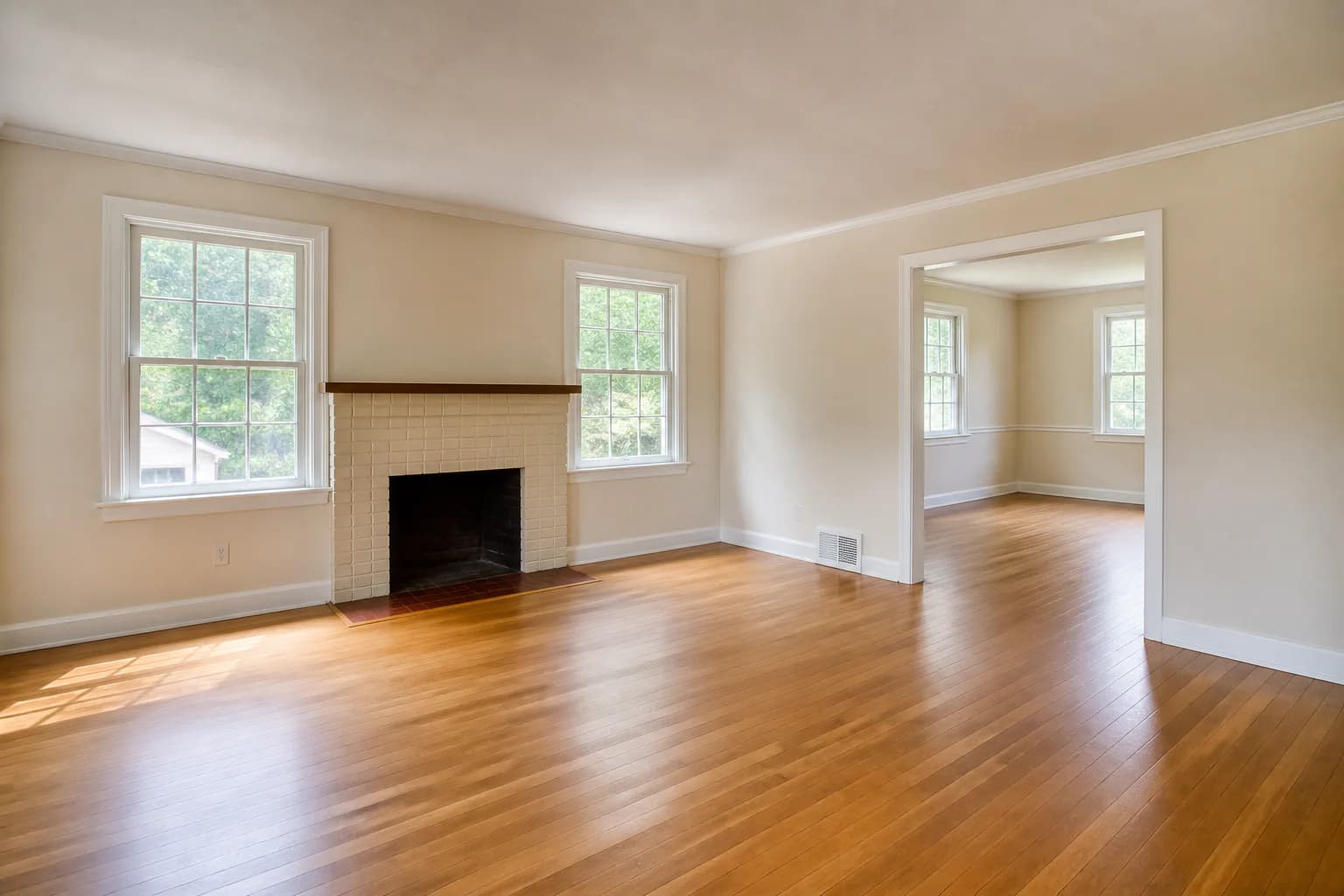 Before
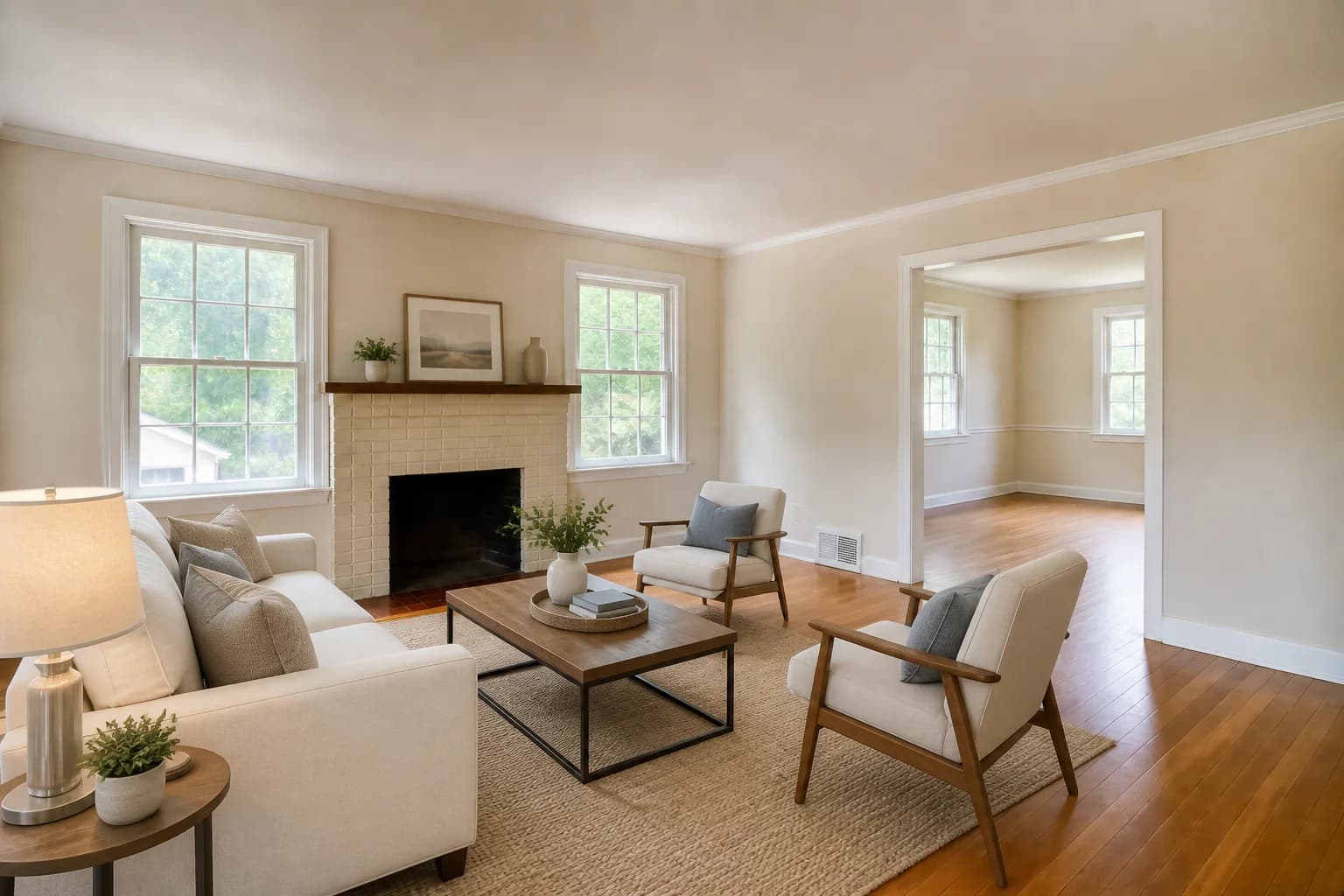 After
AfterAI-generated demonstration scene. The staged concept adds only movable furniture and decor.
What it can change
Sofas, beds, tables, chairs, rugs, lamps, art, and restrained decor can help explain scale and use. Choose pieces that fit without blocking doors, windows, or natural circulation.
What it should preserve
Walls, windows, doors, flooring, fireplaces, cabinetry, fixtures, ceiling lines, views, and room dimensions should remain faithful to the source photograph.
Start with a preset or describe your furniture plan. For the next edit, select the photo you want to change and describe just that change in Custom Prompt. These example requests show how to build a clear brief.
Step 1
Add a modern sofa, two armchairs, a rug, and a coffee table. Leave the walkway to the balcony clear. Keep the room and its lighting unchanged.
Step 2
Replace only the sofa with a smaller beige sofa. Keep all other furniture, decor, room features, and lighting unchanged.
Step 3
Choose Original or a previous version in the photo strip, then describe your new direction. Your next edit uses the photo you selected.
Compare every result with your original, including walls, windows, lighting, and furniture scale. A prompt is an instruction, so review the output before using it in a listing.
See an actual StagingGPT sofa editRoom-by-room examples
Good virtual furnishing has a job: show where people sit, what fits, or how an open room can function. It should not conceal the property or promise renovations.
All before images and staged edits below are AI-generated demonstration scenes created for this guide. They are not customer listings or representations of actual StagingGPT output.
BeforeAfterA sofa, chairs, rug, and coffee table create a recognizable seating plan while keeping the fireplace, doorway, windows, floor, and walls visible.
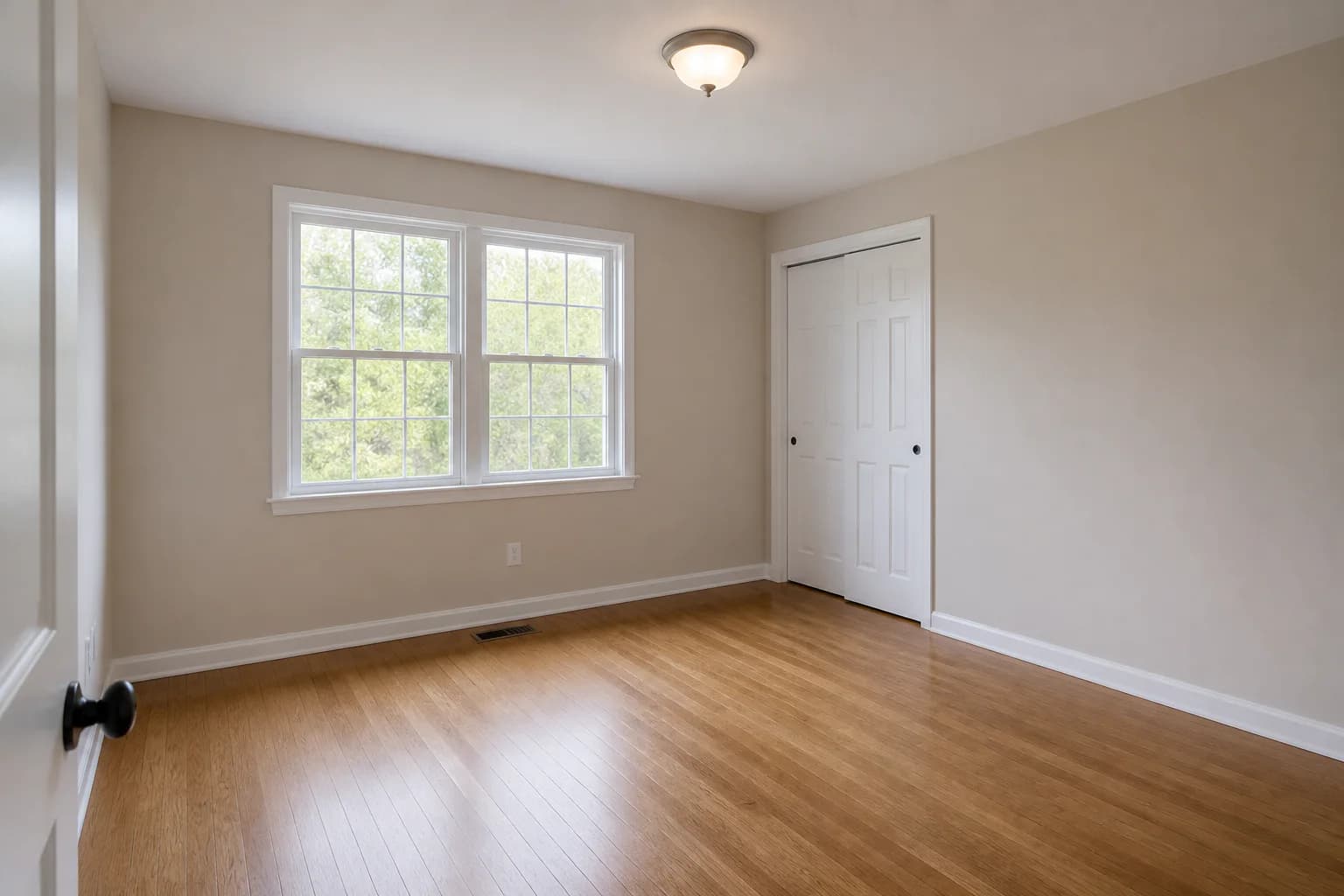 Before
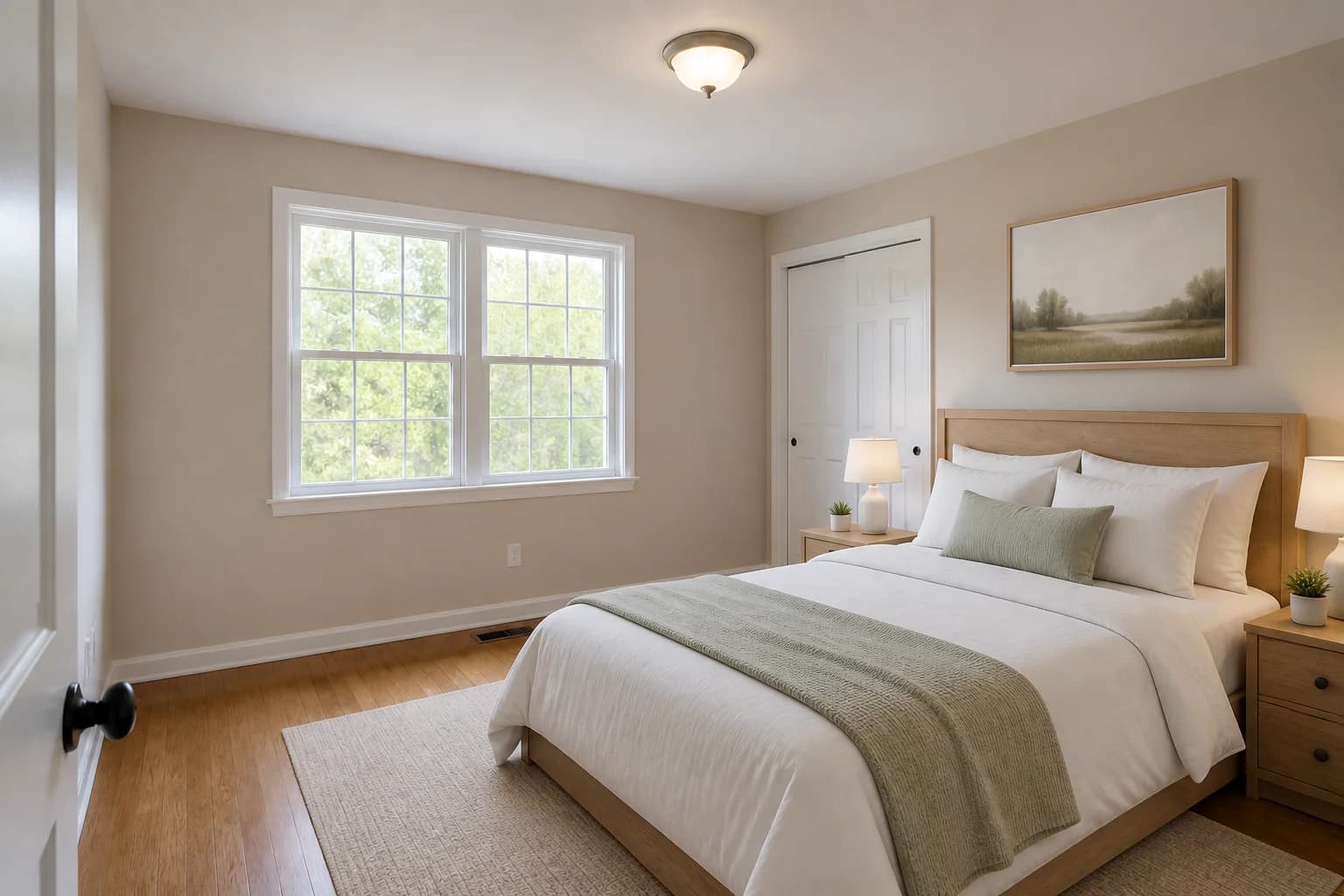 After
AfterA bed, nightstands, and rug help viewers understand the room’s function and proportions without covering its permanent features.
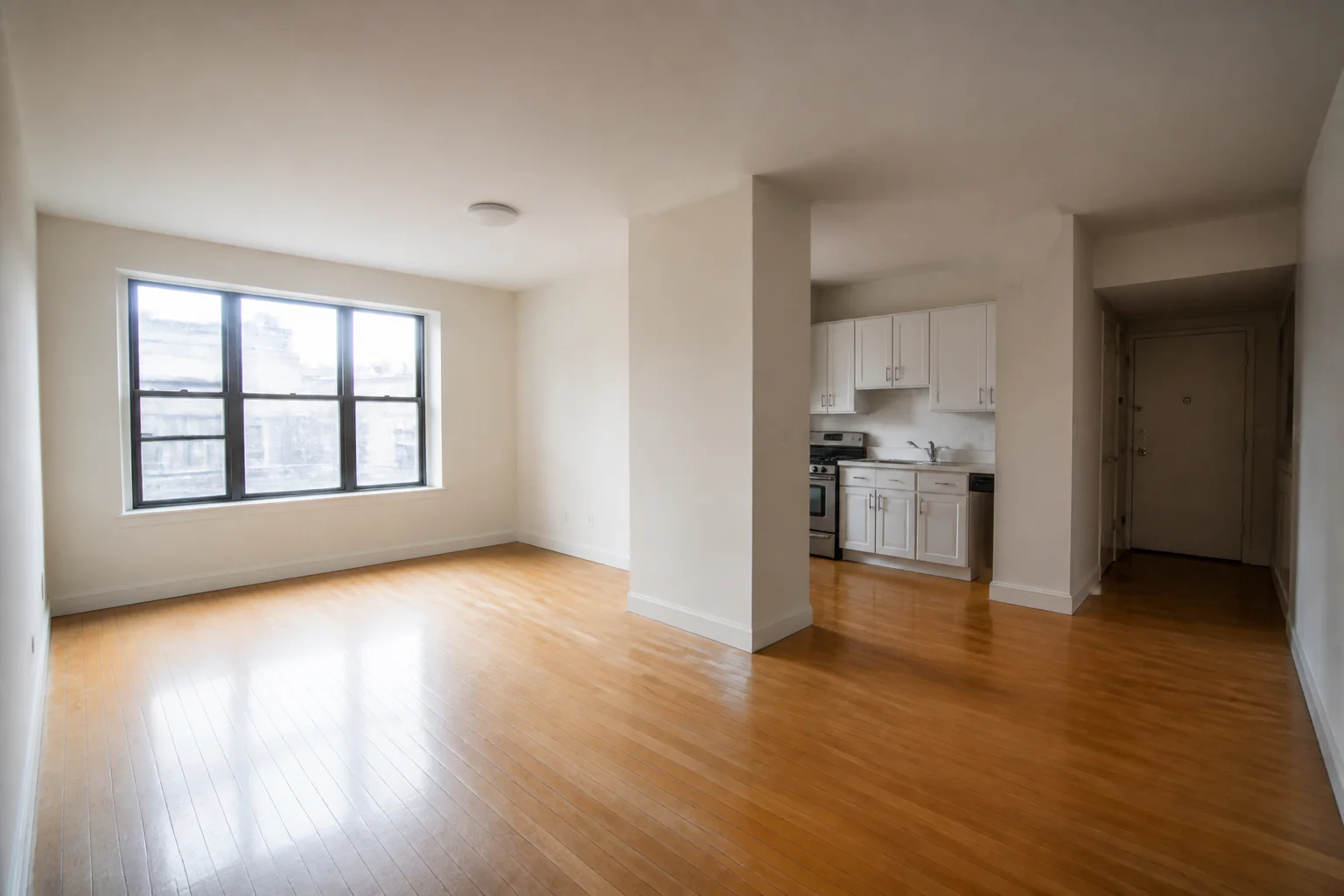 Before
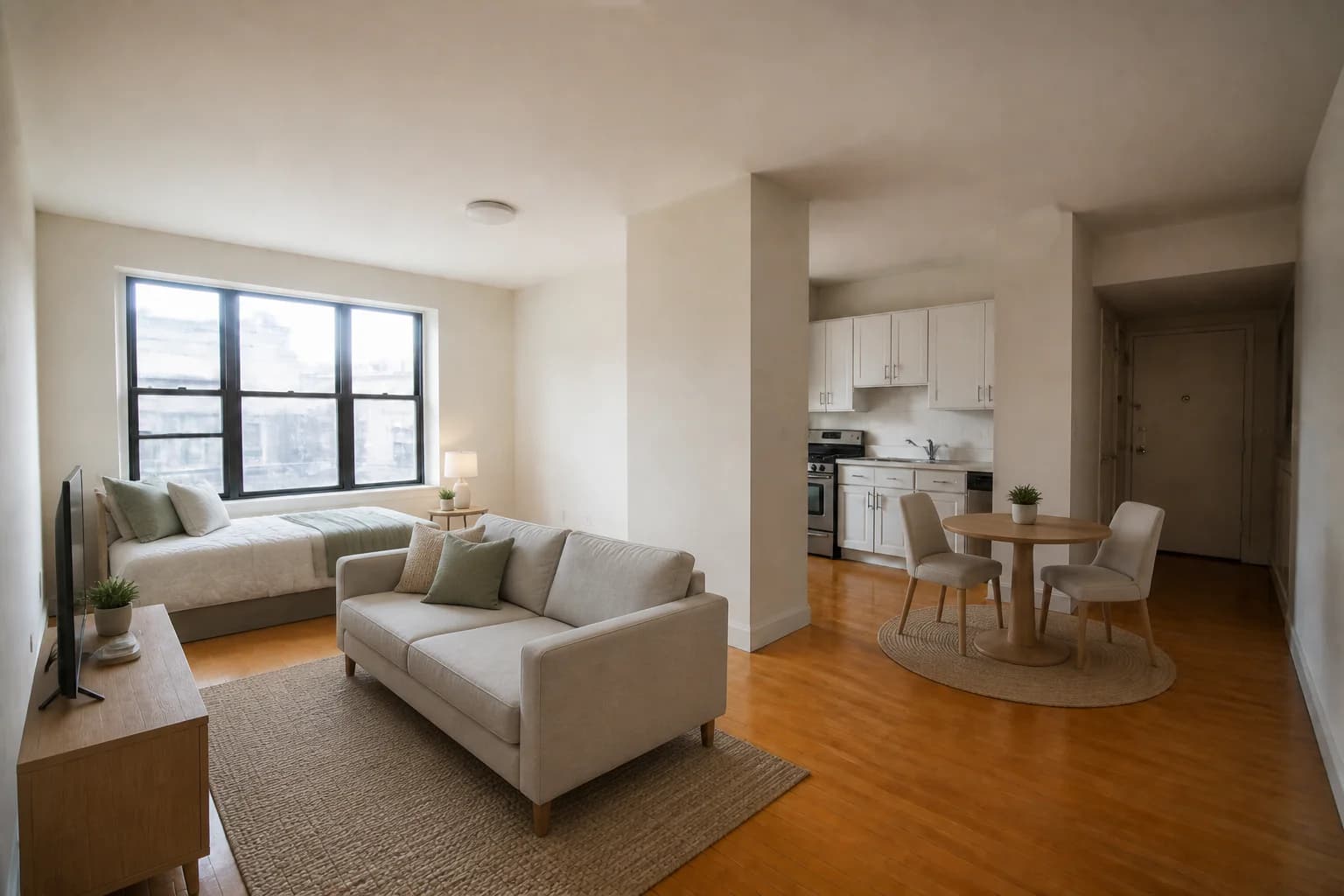 After
AfterCompact furniture separates sleeping and living functions while leaving the original room envelope and walking paths legible.
Plan before you generate
| Room | Useful focal point | Scale check | Style direction |
|---|---|---|---|
| Living room | Conversation area or fireplace | Clear walking paths | Coordinate sofa, chairs, rug |
| Bedroom | Bed wall | Door and closet clearance | Quiet, restrained palette |
| Dining area | Table placement | Chair pull-out space | Match adjacent rooms |
| Studio | Functional zones | Avoid oversized pieces | Consistent compact forms |
Review workflow
Use a level, well-lit image that shows the full room and its permanent features.
Name the room, furniture style, focal point, and any circulation areas that must remain open.
Check every wall edge, opening, fixture, floor transition, reflection, and sightline against the original.
Retain both versions and follow the disclosure requirements of the MLS, platform, and jurisdiction.
Yes. In StagingGPT, choose the generated version you want to edit and use Custom Prompt to describe the change, such as replacing a sofa or removing a vase. You can also return to Original or an earlier version. Follow-up edits within the same image workflow are included; starting a new workflow uses credits again.
AI virtual furniture staging adds digitally generated movable furniture and decor to a room photo. A responsible result leaves the property itself—such as walls, windows, floors, doors, fixtures, and room dimensions—unchanged.
Prioritize rooms whose purpose or scale is difficult to understand when empty. The main living area, primary bedroom, dining area, and a genuine office or flex room usually provide the clearest value.
Yes. Choose a coherent direction such as modern, Scandinavian, traditional, coastal, or industrial, then keep the style appropriate to the property, likely audience, and room proportions.
It should not. Review windows, doors, fireplaces, built-ins, cabinetry, flooring, ceiling lines, and room geometry against the source photo. Regenerate or reject any result that alters permanent property details.
Requirements vary by MLS, advertising platform, and location. Keep the original photo, label the edited image where required, and follow the policies that apply to the listing before publishing.
Related workflows
Learn when to remove items only and when to remove and replace them.
Learn moreBuild a repeatable review process for listing-ready concepts.
Learn moreAdd virtual staging to a real estate photography workflow.
Learn moreShow room purpose and scale while keeping the property honest.
Learn moreMake the room easier to understand
Upload a room, choose a furnishing direction, and carefully compare the result with the original before publishing.
Try StagingGPT free