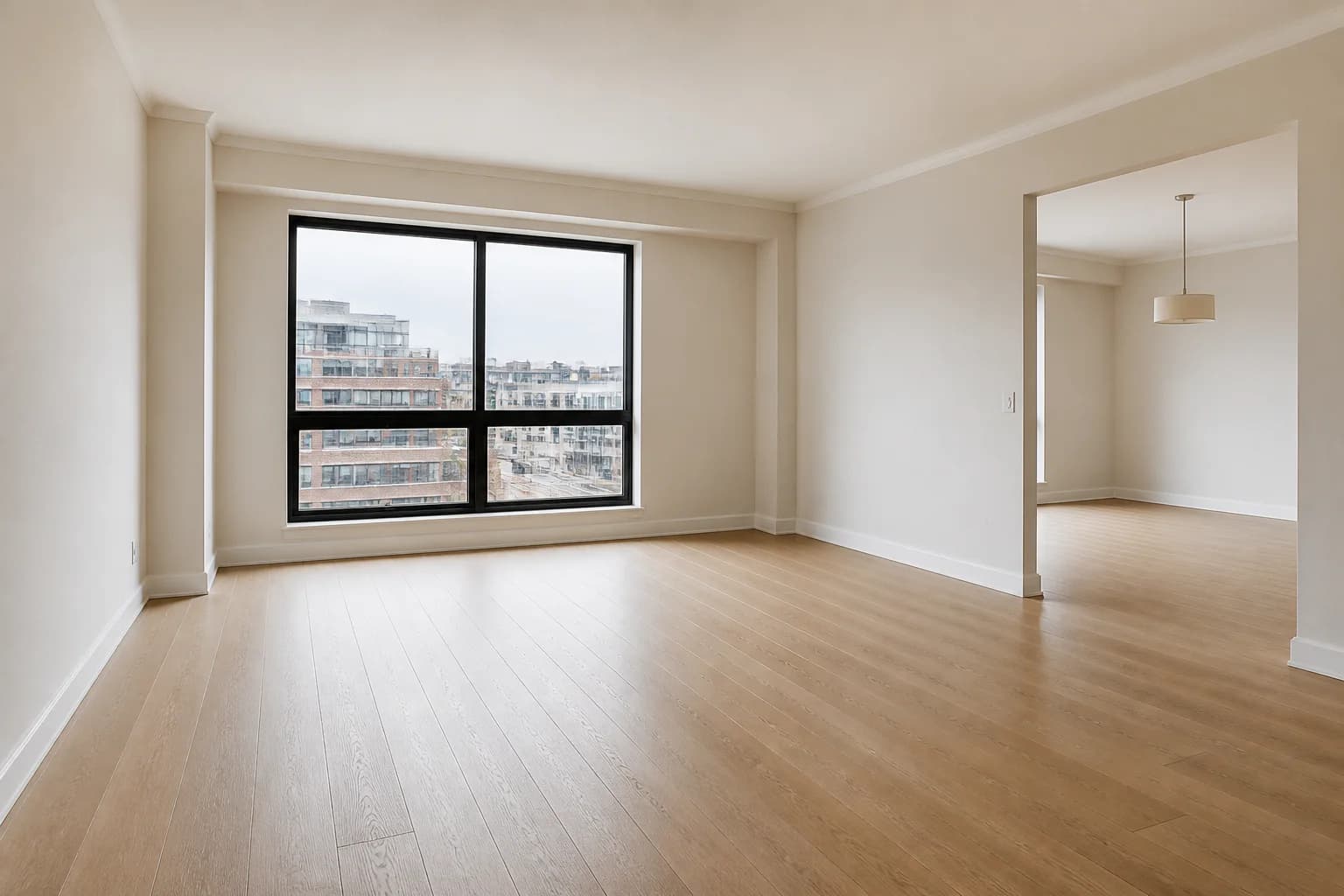
 Before
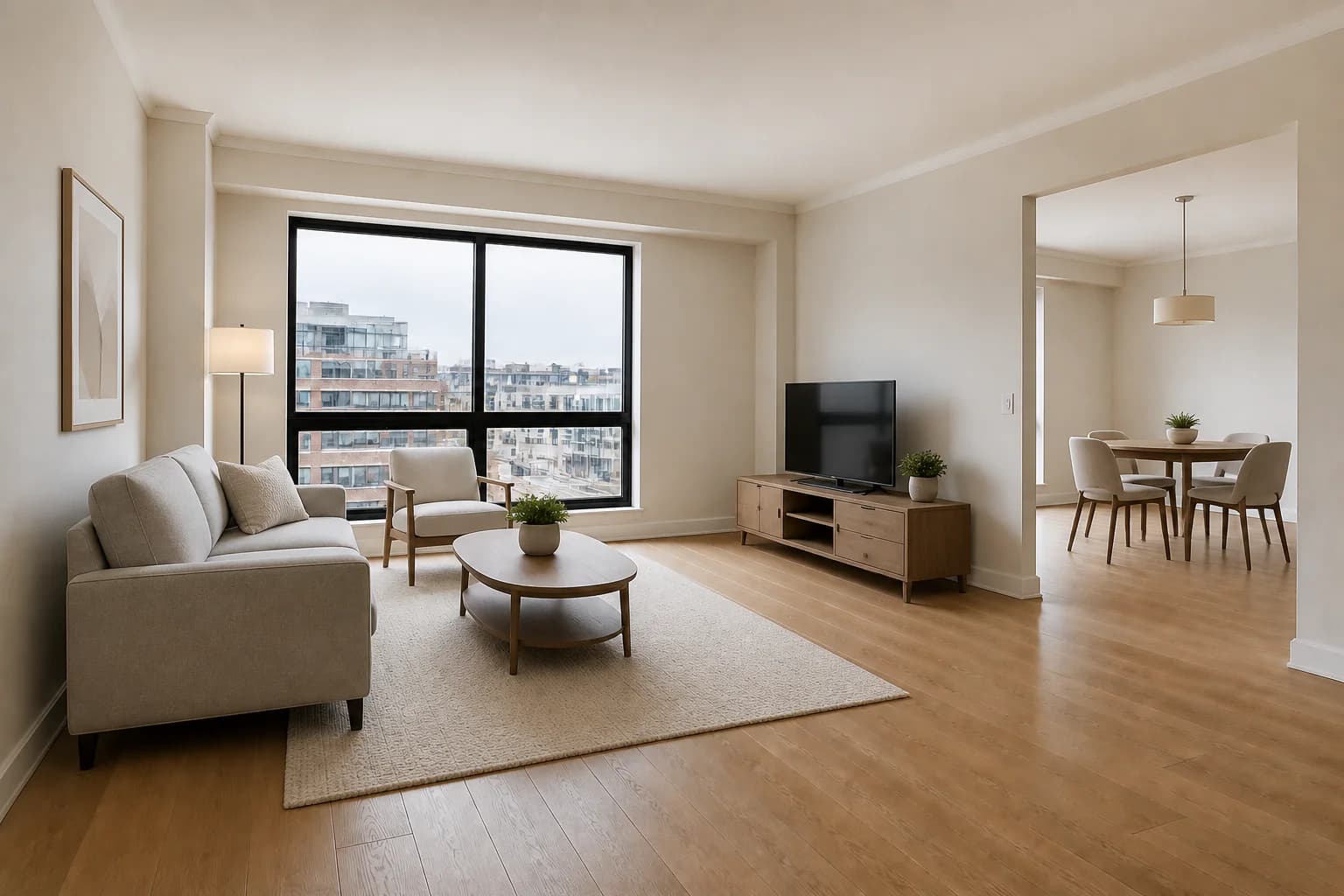 After
AfterDefine an urban condo layout
A coordinated living and dining concept gives buyers a practical reference for furniture placement while leaving the window, doorway, and circulation path visible.
Virtual staging for real estate agents
Help buyers understand how an empty room could function without arranging a furniture delivery. Upload a listing photo, choose a design direction, and create a furnished concept while keeping the property itself recognizable.
3 free credits · No credit card required
BeforeAfterA coordinated living and dining concept gives buyers a practical reference for furniture placement while leaving the window, doorway, and circulation path visible.
Purpose-built examples
From compact condos to open-plan townhomes, staging can make scale, layout, and everyday use easier to read. These examples add furniture while retaining the underlying architecture and camera view.
All before images and staged edits on this page are AI-generated demonstration scenes created for this guide.
BeforeAfterA coordinated living and dining concept gives buyers a practical reference for furniture placement while leaving the window, doorway, and circulation path visible.
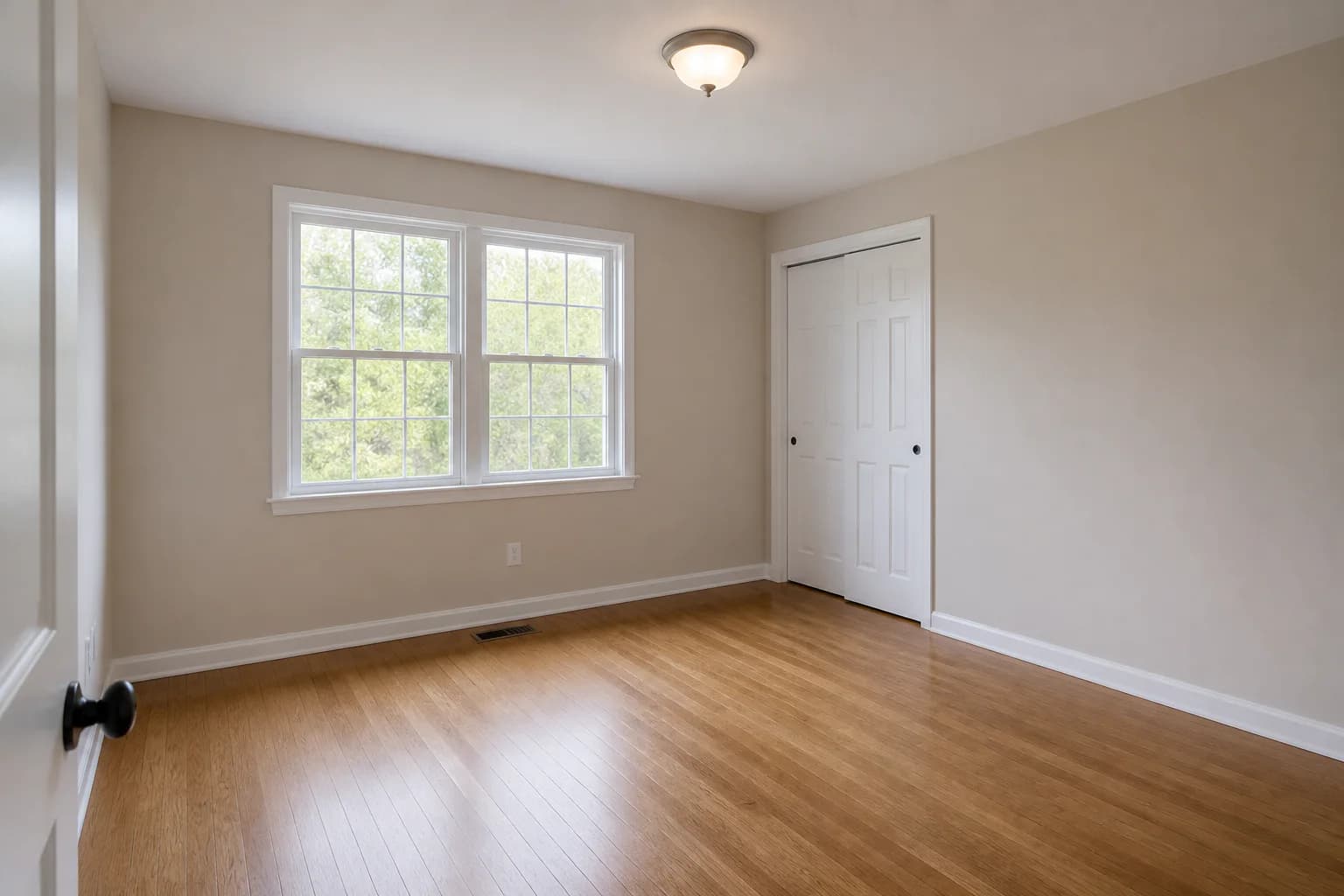 Before
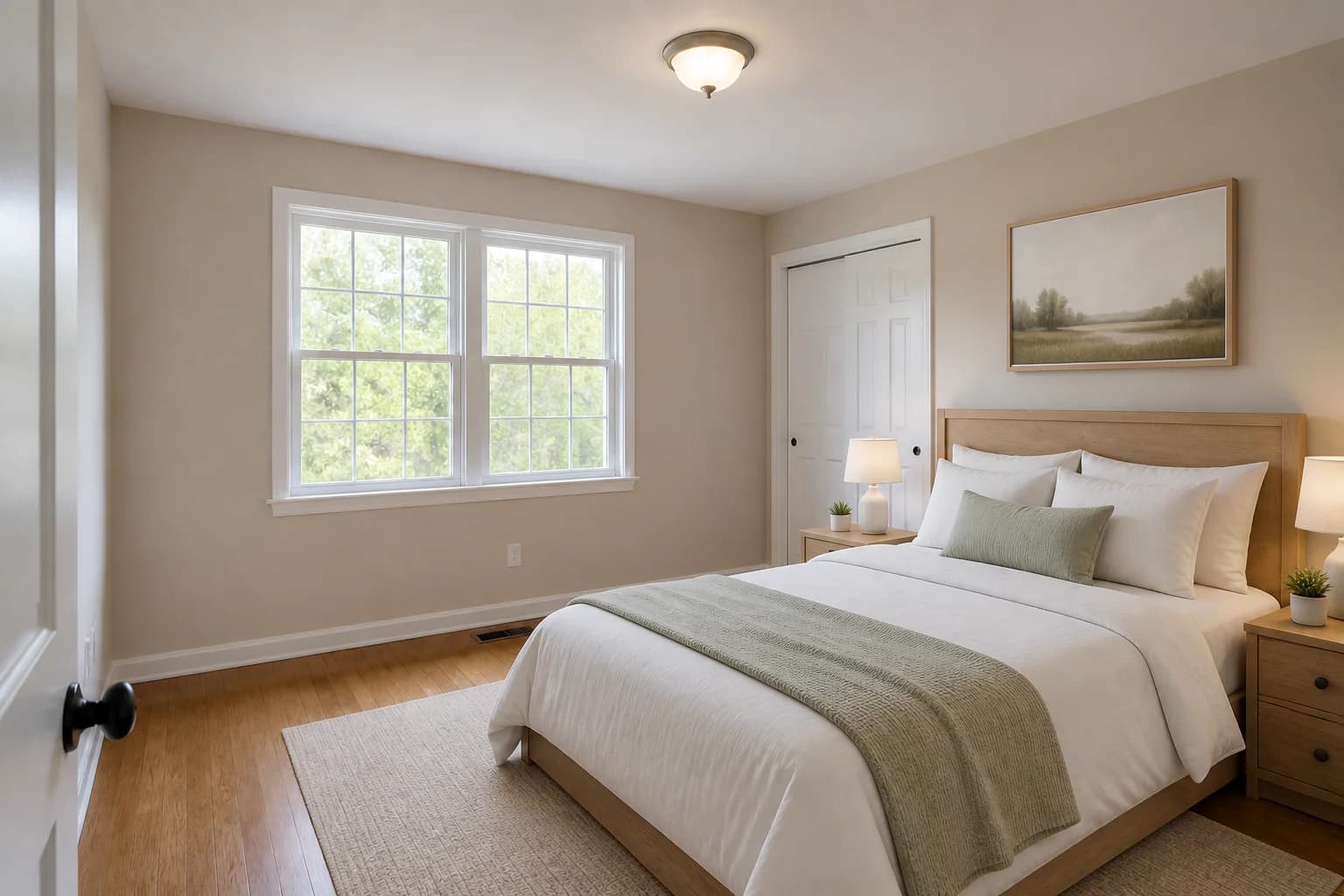 After
AfterA calm queen-bedroom arrangement shows a likely use for the space and provides familiar scale cues without changing the room, windows, closet, or flooring.
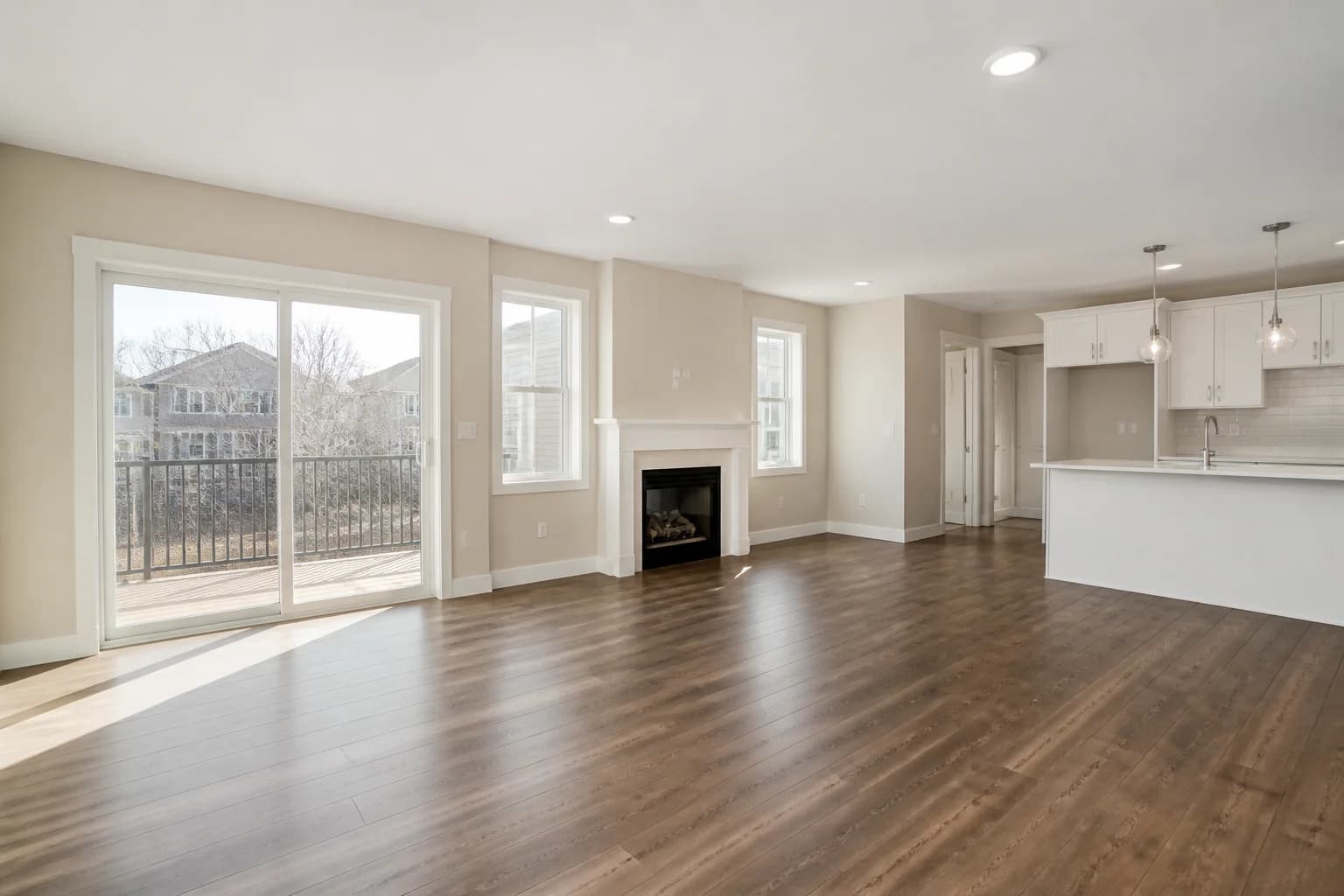 Before
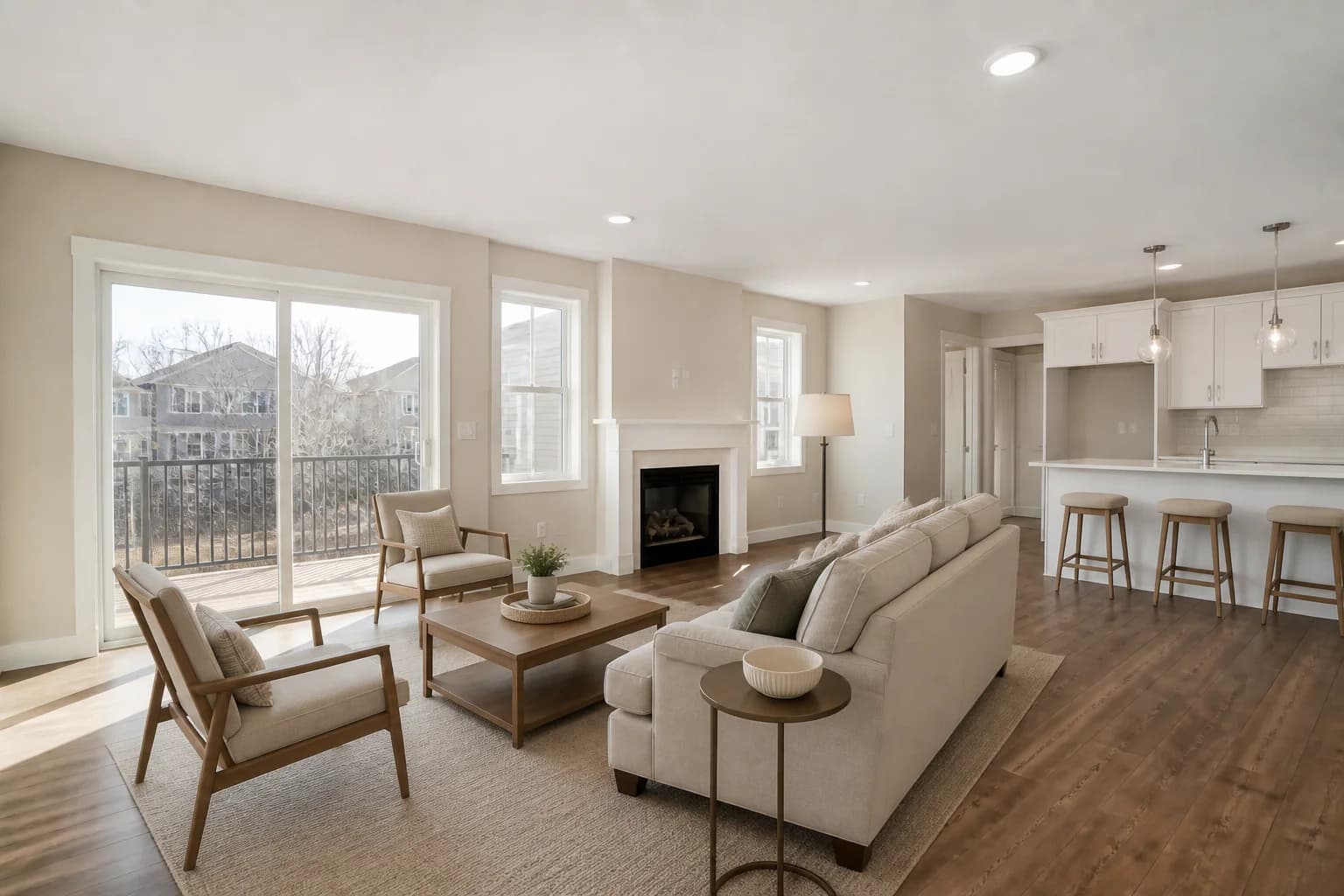 After
AfterSeating, a rug, and counter stools visually separate the lounge from the kitchen while preserving access to the patio, fireplace, and surrounding rooms.
Why it helps
Use virtual staging as a flexible marketing layer when physical staging is not the right fit for the property, schedule, or listing plan.
Use familiar furniture and realistic spacing to help buyers interpret empty bedrooms, living areas, offices, and open-plan rooms.
Try a design style that fits the likely buyer and property, then compare the result with the untouched listing photo.
Create concepts from your existing property photography without coordinating furniture transport, setup, and removal.
Use focused prompts that add furnishings while asking the model to retain walls, floors, windows, lighting, and camera perspective.
Simple workflow
Start with a well-lit, level photo that shows the full room. Keep the original file as the factual record of the property.
Select a design style or describe the room function, essential furniture, traffic paths, and architectural details that must remain unchanged.
Compare the result with the original, reject misleading changes, and follow the applicable local, brokerage, portal, and MLS disclosure rules.
Use sharp, evenly exposed images with a level camera, visible floor area, and minimal lens distortion. Empty or lightly furnished rooms with unobstructed architectural details give the model the clearest starting point.
Yes. You can choose a design style and add concise instructions about the room function, key furniture, palette, or layout. If you need a targeted change to an existing result, use a custom prompt and name exactly what should change.
The goal is to add or replace furnishings, but every generated image should be reviewed. Compare windows, walls, doors, flooring, fixtures, views, and proportions with the original and do not publish a result that materially misrepresents the home.
Disclosure requirements vary by location, brokerage, MLS, and advertising platform. Keep the original images, label staged imagery where required, and confirm the rules that apply to your listing before publishing.
Yes. Keeping both versions can help viewers distinguish the current condition from the design concept. It also gives your team a straightforward reference when reviewing the staged result for accuracy.
Explore more workflows
Add virtual staging to your delivery workflow and offer clients more value.
Learn moreHelp buyers understand the potential of empty or dated rooms.
Learn moreMarket vacant rentals and repeat floor plans with inviting furnished visuals.
Learn morePlan and review your next project
See your listing differently
Upload a room photo, choose a direction, and create a staged concept you can review before using it in your marketing.
Try StagingGPT free